PTA Productivity Calculator
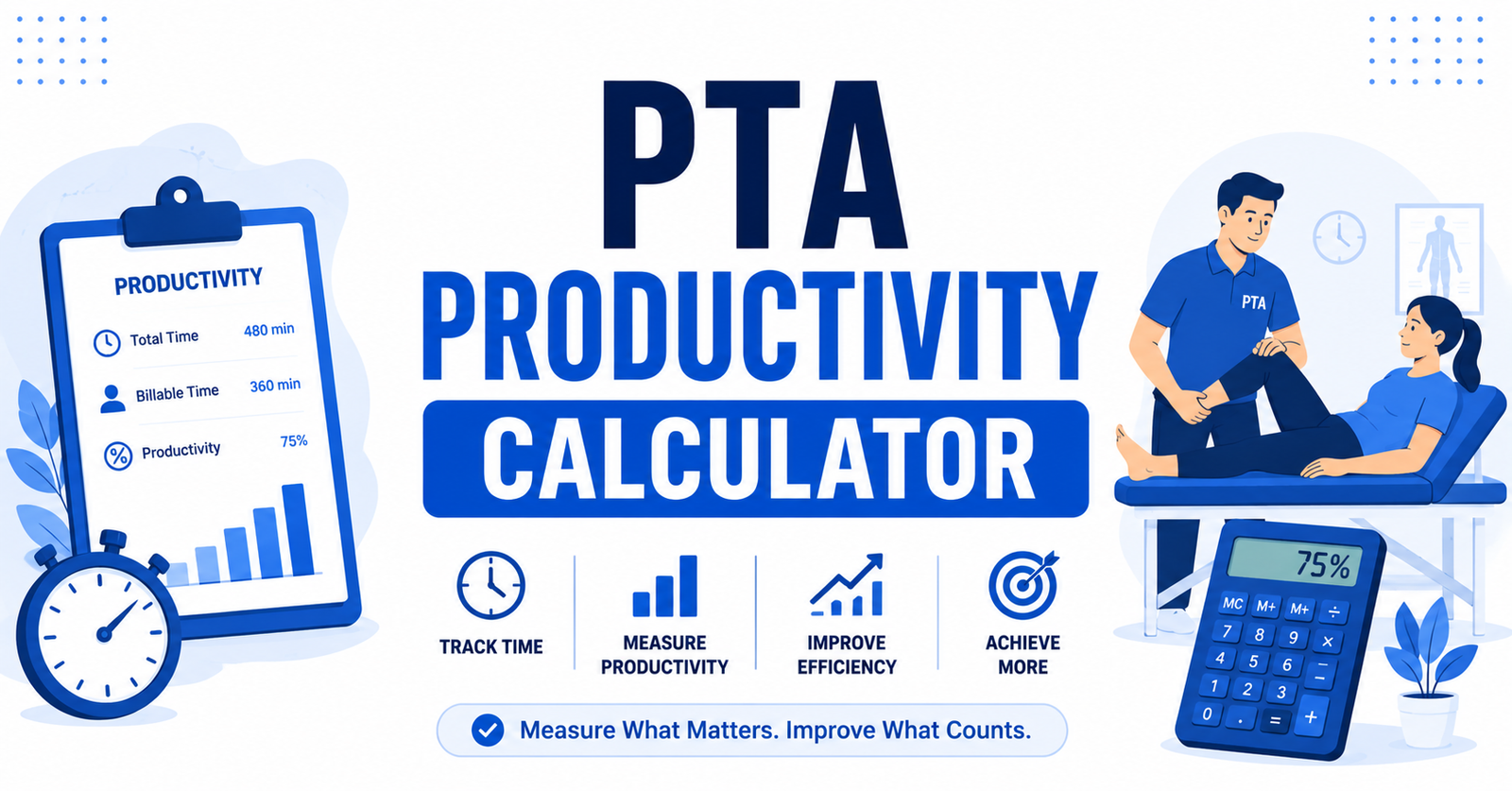
One shift rarely tells you the whole story. A slow Tuesday doesn’t mean your week is off track, and a strong Friday doesn’t erase a rough Monday — but most PTAs only ever look at today’s number, never the pattern behind it. This calculator tracks a full week at once, so you’re reacting to a trend instead of a single day.
H2: Weekly PTA Productivity Tracker
Log your shifts across a week and see your real average against target, plus exactly which days need a closer look.
Weekly PTA Productivity Tracker
| Day | Scheduled Minutes | Billable Minutes | Daily % |
|---|
How to Use It
Example: You want to check your last five shifts against an 88% SNF target.
- Set Target productivity to
88 - Enter Scheduled Minutes for each day worked —
480for a standard 8-hour shift - Enter that day's Billable Minutes next to it
- Skip any day you didn't work
- Click Calculate Weekly Average
Each day lights up green or red against your target, and the total isn't a rough average of five percentages — it's your real billable minutes divided by your real scheduled minutes across the whole week. If Monday and Thursday keep showing red, you'll see it immediately instead of just suspecting it.
Formula Breakdown
| Calculation | What It Tells You | Formula |
|---|---|---|
| Daily productivity | One day's percentage | Billable Minutes ÷ Scheduled Minutes × 100 |
| Weekly average | Your real trend across the week | Total Billable Minutes ÷ Total Scheduled Minutes × 100 |
The weekly average isn't five daily percentages added up and divided by five. It's built from your actual total minutes, so a short day with a lucky percentage doesn't distort the week the way a simple average would.
Calculating a Single Shift's PTA Productivity
Not every check needs a full week logged. If you already know your billable minutes and just want the percentage, use the Productivity Percentage Calculator — enter your actual billable minutes against your scheduled minutes as the target, and it returns your percentage directly, plus how many minutes you're over or short. Set the target to match your facility's PTA benchmark (typically 85–92% in a SNF) rather than a generic number.
If you also want your exact clock-out time factored in — not just the percentage — use the Standard Calculator instead. It takes your shift start time, scheduled hours, and target, and gives you both a productivity check and a real end-of-shift time.
Why PTA Targets Run Higher Than PT Targets
Medicare reimburses PTA-delivered care at 85% of the PT rate, so facilities lean on assistants to log more direct-treatment minutes to make up the difference. PTAs also skip evaluations, re-certifications, and discharge planning — that's PT territory — which means almost the whole PTA workday is structured around billable time from the start. Typical targets run 85–92% in an SNF, compared to 80–90% for supervising PTs in the same settings.
Related Reading:-
Conclusion
A single shift can make you feel like you're failing a target you're actually hitting most weeks — or hide a pattern that's quietly dragging your average down. Check today's number fast with the calculators above, then track the full week when you want to know whether a bad Tuesday is a one-off or the start of something worth flagging to your supervisor.