How to Calculate Productivity (Why the Textbook Formula Isn’t Enough)
Most guides hand you one formula and call it a day: output divided by input. That’s not wrong. But if your work runs on a clock instead of a conveyor belt, it’s missing the part that actually matters. Therapists, freelancers, anyone chasing a billable-minutes target — you don’t want a units-per-hour number. You want to know what time you can leave. This guide covers both.
The Core Productivity Formula
Productivity = Output ÷ Input
Produce 120 units in 10 hours, and your productivity comes out to 12 units per hour. Simple enough. It works well for factories, warehouses, anywhere output can be counted in discrete pieces.
Where the Basic Formula Falls Apart
Here’s the problem: that formula assumes every minute on the clock is a working minute. In billing-based fields — therapy, consulting, anything measured against a target rather than a headcount — that assumption doesn’t hold up. A few things it quietly ignores:
- Unpaid breaks. Lunch changes your effective time on the clock, and your end-of-day target should shift to match.
- Non-billable work. Charting and documentation take up real time but never show up as output.
- Group or concurrent sessions. Credit time across multiple patients at once, and both your input and output numbers need adjusting before you calculate anything.
- The actual point. Nobody wakes up wanting a ratio. They want to know when they can stop.
That’s the gap our productivity calculator fills. It doesn’t stop at a raw number — it turns your target into a “perfect end time” you can actually plan your day around.
Calculating Productivity as a Percentage
For target-based work, the formula shifts:
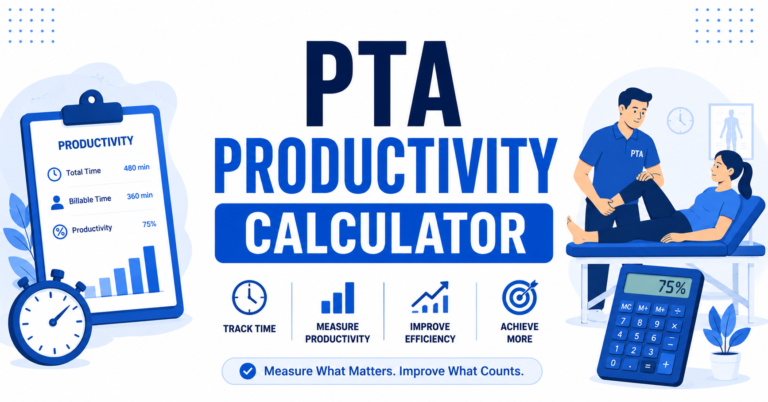
Productivity % = (Billable time ÷ Total scheduled time) × 100
Start by defining your billable output in minutes rather than units. Then figure out your total scheduled time — the whole block, not just the productive part. Subtract breaks and documentation, or set them aside to handle separately. Divide billable minutes by total minutes, multiply by 100, and compare the result to your target
A Real Example, With a Real Clock Time
Say you clock in at 8:00 AM for an 8-hour day, and your target sits at 85%.
- Total scheduled time: 480 minutes
- Target: 85%
- Minutes you need to hit: 480 × 0.85 = 408
Add a 30-minute unpaid lunch, and your end time shifts later to absorb it. You could work this out on paper every morning. Or you could run the numbers through the standard productivity calculator, or the lunch break calculator if a break’s part of your day, and get your perfect end time in seconds.
Productivity Percentage Isn’t the Same as Billing Units
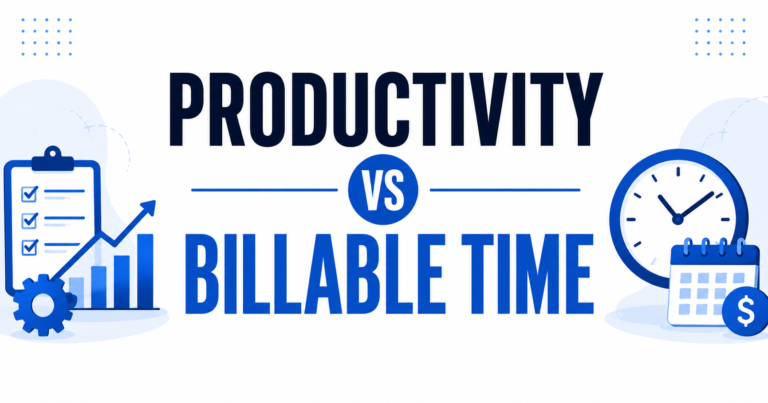
A percentage tells you how you’re tracking against a target. A billing unit is something else entirely — a countable figure derived from minutes, using rules like Medicare’s 8-minute rule or 15-minute rounding. Mix the two up, and your billing numbers won’t match your productivity numbers, even though they’re both technically correct. Skip the manual rounding and run it through the billing units calculator instead — pick the 8-minute rule or 15-minute rounding, and it does the conversion for you.
Concurrent Therapy and Documentation Time Affect Productivity
Productivity isn’t just based on treatment time. Concurrent or group sessions and required documentation can significantly change your final numbers. Shared treatment time may need to be credited differently—whether using full minutes, split minutes, or a custom workplace factor—which affects your total billable minutes. The concurrent therapy calculator automatically applies the correct crediting method. Meanwhile, documentation is essential but doesn’t count as billable output, which can lower your productivity percentage. The documentation time calculator helps break down the time spent on charting each week and year, giving you a more accurate view of your actual productivity.
Where People Usually Go Wrong
- Treating productivity and utilization as the same thing. They’re not — productivity measures output against input, utilization measures how much of your scheduled time is billable.
- Forgetting to factor unpaid breaks into total time, which throws off the end-time calculation as much as the percentage.
- Using the wrong rounding rule for billing units. The 8-minute rule and 15-minute rounding won’t give you the same answer from the same minutes.
- Waiting until the end of the day to recalculate. By then, there’s nothing left to adjust
FAQs
theproductivitycalc.com builds free, browser-based calculators for occupational, physical, and speech therapists — no account, no install. Read more about us, or reach out if you have questions.